
How to choose the right 3D printer for your needs
A hands-on guide to the best FDM 3D printers of 2026 — from the beginner BambuLab A1 mini to engineering-grade H2S/H2D, plus Elegoo Centauri Carbon for print farms and Snapmaker U1 for multicolor.
The desktop FDM 3D printer market in 2026 is more mature than ever — there is a machine for every budget and every use case. The problem is that choice has become paralyzing. In this guide I share my personal picks from daily work at the 3D4U workshop — what we choose for which projects, and why.
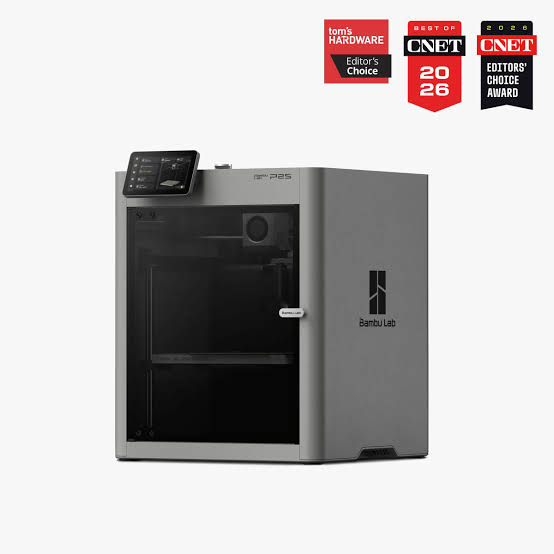
BambuLab P2S (or P1S) — the classic all-rounder
The P1S and newer P2S are what the industry calls a "no brainer" — an enclosed CoreXY printer that simply works. Ideal for mid-range users who want a solid machine without tinkering.
- Enclosed chamber: stable temperature, clean prints in ASA, ABS and other draft-sensitive materials.
- AMS support: automatic feeder for multiple colors and materials.
- Reliability: CoreXY kinematics, factory calibrations, proven electronics.
- Ecosystem: huge community, slicer profiles, spare parts.
Drawbacks:
- AMS cost: a full multi-material setup is not cheap.
- Multicolor waste: the classic AMS produces significant purge waste on color changes.
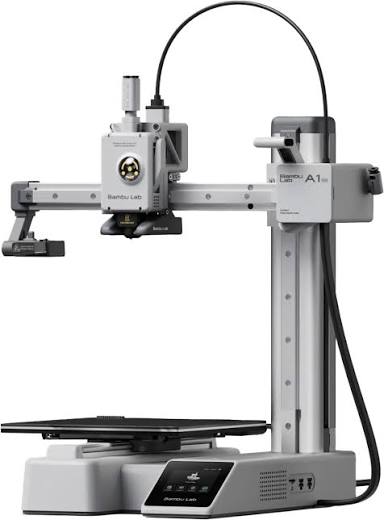
BambuLab A1 mini — the best entry into 3D printing
If someone asks "which printer should I buy first", the answer is almost always the A1 mini. A small open-frame bedslinger with automatic calibration and AMS Lite support.
- Price: in a range that almost anyone can afford.
- Simplicity: unbox, plug in, print — no tuning required.
- Multicolor: AMS Lite opens the door to colorful projects.
- Quiet operation: input shaping and active vibration compensation.
Drawbacks:
- Smaller build volume: 180×180×180 mm — enough for most hobby projects, but not large parts.
- Open frame: not for ASA, ABS or technical materials.
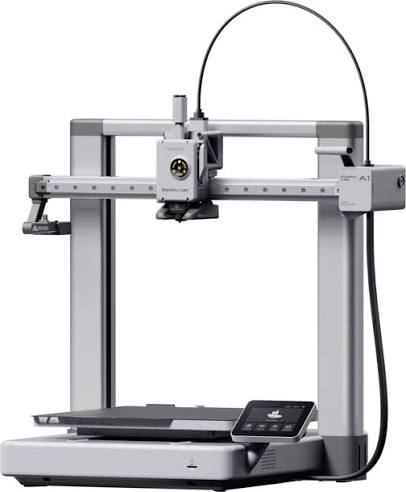
BambuLab A1 — the versatile bedslinger
The bigger sibling of the A1 mini with a larger build volume (256×256×256 mm). Perfect for decorations, small projects, PLA and PETG parts, but not for demanding engineering materials.
- Build volume: enough for most practical projects.
- Speed: a bedslinger with modern electronics, faster than most competitors in its class.
- AMS Lite: multicolor at a low extra cost.
Drawbacks:
- No enclosure: limited to PLA, PETG, PLA-CF and other low-temperature materials.
- Bedslinger: on tall parts more prone to ringing than CoreXY machines.
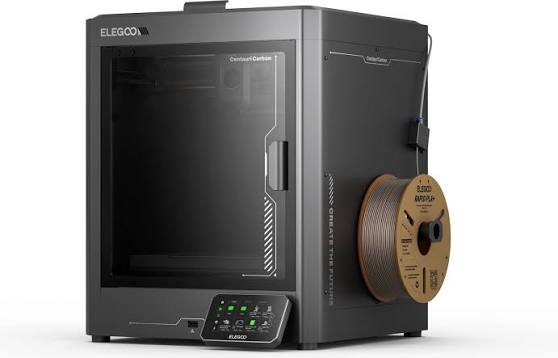
Elegoo Centauri Carbon — the print farm king
When you want to build a farm of 5, 10 or 20 printers, economics decide. The Centauri Carbon offers CoreXY, an enclosed chamber and support for carbon-filled filaments at a price that leaves competitors breathless.
- Price/performance: hard to beat — you get flagship specs for half the money.
- Stable chamber: heats enough for ASA, PETG-CF and similar.
- Cheap spare parts: crucial for farms where nozzles and tubes wear out.
- Open ecosystem: free slicer and firmware.
Drawbacks:
- Firmware bugs: early versions have minor issues that need patching.
- Learning curve: not "unbox and print" like BambuLab — it requires knowledge.
- Support network: smaller service network than BambuLab.
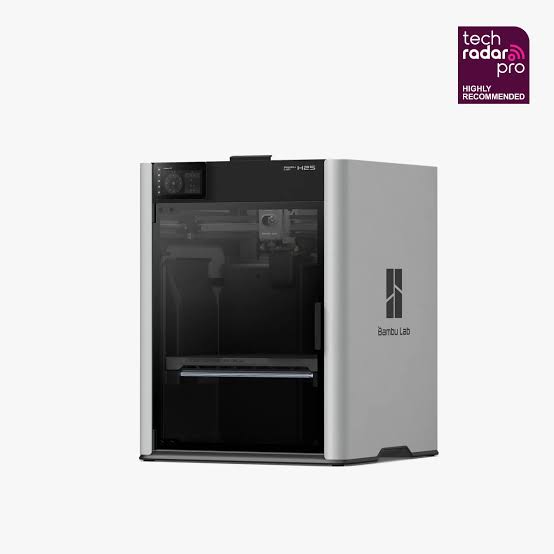
BambuLab H2S / H2D — the engineering class
The H2S and H2D are machines for those who want more. A large build volume, extremely fast printing, and on the H2D two independent nozzles (IDEX or dual extruder), all inside an actively heated enclosure.
- Large build volume: enough for functional engineering parts in one piece.
- Two nozzles (H2D): clean multicolor or soluble supports with no purge waste.
- Heated chamber: serious work with ASA, PC, PA-CF and other technical materials.
- Speed: CoreXY with modern acceleration algorithms.
Drawbacks:
- Price: professional-grade cost.
- Physical size: the machine demands its own spot in the workshop.
Snapmaker U1 — real multicolor without waste
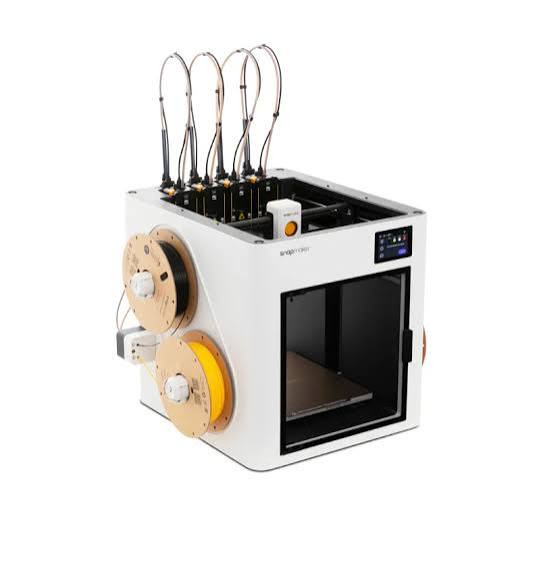
If your goal is serious multicolor work — figurines, multi-color prototypes, educational models — the U1 is by far the best option. Instead of an AMS system that wastes filament on every color change, the U1 uses a multi-toolhead architecture that essentially eliminates purge tower waste.
- Minimal waste: uses several times less filament than an AMS approach for the same print.
- Multicolor speed: no long purge cycle between colors.
- Color quality: clean transitions with no mixing.
Drawbacks:
- Price: premium tier.
- Complexity: more mechanical parts to maintain.
- Ecosystem: smaller than BambuLab's.
How to choose — short recommendations
- First printer, hobby, limited budget: BambuLab A1 mini.
- Serious hobby, decorations and prototypes: BambuLab A1.
- Daily work, ASA/ABS, multi-color: BambuLab P2S or P1S.
- Print farm, commercial production: Elegoo Centauri Carbon.
- Engineering parts, large formats, technical materials: BambuLab H2S or H2D.
- Serious multicolor without waste: Snapmaker U1.
There is no single "best" printer — only the best printer for your specific workflow. If you need advice or a print service on any of these machines, reach out — at 3D4U we run several of them in parallel and are happy to help with the choice.