
PC specs for running a 3D print farm and modeling
Concrete desktop workstation specs for CAD modeling and 3D print farm monitoring, plus laptop picks for client presentations.
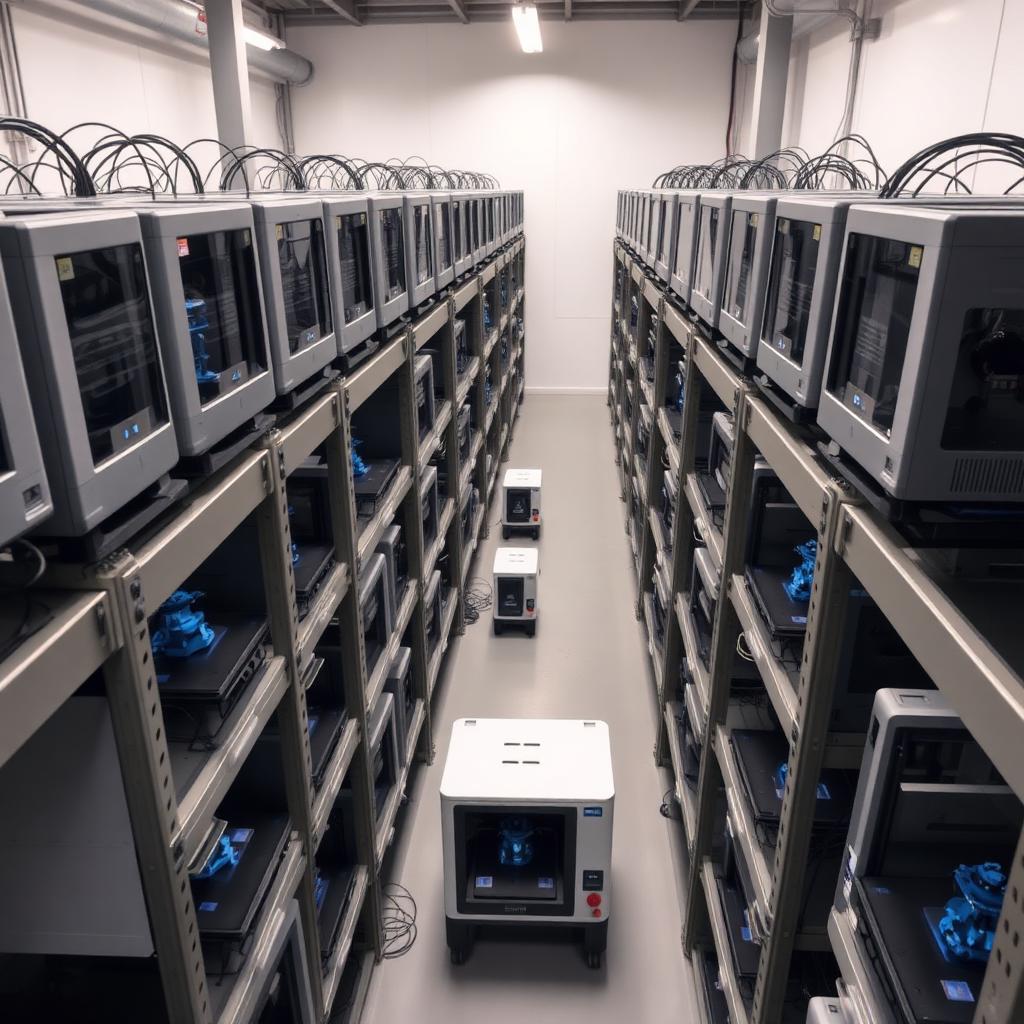
When you run a 3D print farm, the computer is not just a drawing tool — it is the central hub that runs CAD, slicer, Docker containers for farm monitoring (Bambu Farm Manager, OctoEverywhere, Obico, Klipper/Mainsail), a browser with many tabs, and occasional renders. A weak machine shows up immediately: slicing that takes minutes, Fusion 360 stalling on large assemblies, or a frozen printer dashboard in the middle of an overnight print.
Below are configurations that actually work in production, not marketing bundles.
What the computer has to handle
A farm workstation runs several demanding tasks in parallel every day. To do that smoothly, components have to be sized with headroom, not on the edge.
- CAD modeling: Fusion 360, SolidWorks or Onshape — need strong single-core performance and plenty of RAM for large assemblies.
- Slicing: Bambu Studio, OrcaSlicer, PrusaSlicer — multi-threaded, and hungry for RAM on dense models with lots of supports.
- Farm monitoring: Docker with Bambu Farm Manager, OctoEverywhere, Obico or Klipper instances — need stable networking, a fast disk, and enough RAM so containers do not starve the system.
- Renders and presentations: occasional photorealistic renders in Fusion 360, KeyShot or Blender — this is where a GPU with lots of VRAM matters.
Recommended desktop configuration
A build that comfortably covers all of the above with room to grow.
Processor (CPU)
- Mid tier (best value): AMD Ryzen 7 7700X or Intel Core i7-14700K — 8–20 cores, strong single-core for CAD.
- High tier (heavy assemblies and renders): AMD Ryzen 9 7900X/7950X or Intel Core i9-14900K.
- Why it matters: CAD and slicing lean on single-core speed; renders and Docker scale with core count.
RAM
- Minimum: 32 GB DDR4 3600 MHz — the absolute floor for serious work.
- Recommended: 64 GB DDR5 6000 MHz — handles a large assembly, slicer and a couple of Docker containers at once.
- Note: buy a 2-stick kit (2×32 GB), not four — more stable on DDR5 platforms.
Storage (M.2 NVMe SSD)
- System drive: 1 TB PCIe 4.0 NVMe (e.g. Samsung 990 Pro, WD Black SN850X, Kingston KC3000) — short slicer and CAD load times.
- Projects and backup: an additional 2 TB NVMe or SATA SSD — STL, 3MF, gcode and renders pile up fast.
- Why it matters: slicers read/write large gcode files, and a slow disk turns every operation into waiting.
Graphics card (GPU)
- Minimum: NVIDIA RTX 4060 8 GB VRAM — enough for CAD viewport and light renders.
- Recommended: NVIDIA RTX 4070 Super 12 GB or RTX 4070 Ti Super 16 GB VRAM — comfortable for KeyShot, Fusion 360 renders and future AI/visualization tools.
- High tier: RTX 4080 Super 16 GB or RTX 4090 24 GB — for frequent photorealistic renders and animations.
- Why VRAM matters: textures, HDR environments and large viewport assemblies consume VRAM first.
Motherboard, PSU, case
- Motherboard: X670/B650 (AMD) or Z790 (Intel) with at least two M.2 slots and 2.5 GbE — the network matters for printer dashboards.
- PSU: 850 W 80+ Gold, modular — headroom for a GPU upgrade.
- Case: good airflow (mesh front), farms often run in warm rooms full of printers.
The build we recommend (2026, ~€1500–1800)
- CPU: AMD Ryzen 7 7700X
- RAM: 64 GB DDR5 6000 MHz CL30 (2×32 GB)
- SSD 1: 1 TB Samsung 990 Pro (system and apps)
- SSD 2: 2 TB WD Black SN770 (projects, gcode, renders)
- GPU: NVIDIA RTX 4070 Super 12 GB
- Motherboard: B650 with 2.5 GbE and Wi-Fi 6E
- PSU: 850 W 80+ Gold modular
- Case: mesh front, at least 3 fans
For a high-tier variant push CPU to Ryzen 9 7900X, RAM to 96–128 GB, GPU to RTX 4080 Super — price then lands in the €2500–3200 range.
Laptop for client presentations (optional)
For field work — visiting clients, meetings, showing renders and 3D-viewing models in the browser — you do not need a workstation. The goal is a quiet, light laptop with a good screen and battery.
Ideal pick: MacBook with Apple Silicon
- MacBook Air M1 (used, €800–950): surprisingly capable for 3D viewers in the browser, Fusion 360 (macOS), KeyShot Viewer, presentations and mail. Silent, fanless, 15+ hours of battery.
- MacBook Air M2/M3 13" (new, €1200–1400): better screen, more RAM options, longer battery.
- MacBook Pro 14" M3 Pro (new, €2000+): for people who also render locally on the road.
- Minimum RAM: 16 GB — 8 GB is fine only for viewing, not for real work.
Windows laptop alternative
- Lenovo ThinkPad T14/P14s (Ryzen 7, 32 GB RAM): durable, good service, strong keyboard.
- ASUS ProArt Studiobook / Dell XPS 15: OLED display, RTX 4060/4070, good for CAD and renders on the go — but shorter battery and louder than a MacBook.
Network and backup — the forgotten part
- Network: use a wired 2.5 GbE link between the workstation and printers whenever possible — Wi-Fi tends to drop mid-print monitoring.
- NAS or external drive: keep client projects, STL libraries and gcode archives on a separate device with RAID redundancy.
- UPS: both the workstation and the router deserve a UPS — a power cut mid-slice on a large project can corrupt files.
Bottom line
For a serious 3D print farm that combines modeling, slicing, monitoring and occasional renders, do not skimp on RAM, storage and networking — those are the components that start hurting first as the farm grows. GPU and CPU matter too, but they are easier to upgrade later. For the field, an Apple Silicon MacBook is the quietest and most economical choice; take a Windows laptop only if you must run local renders on the road.